


Making Tax Digital 2026: 5 Steps How to Prepare Your Business and Avoid Penalties (Easy Guide for Sole Traders)
- Robert Mabon
- Nov 11, 2025
- 6 min read
You've probably heard whispers about Making Tax Digital (MTD) coming for sole traders in 2026, and if you're like most business owners, it feels a bit overwhelming. The thought of changing how you've always done your taxes, learning new software, and dealing with quarterly submissions instead of your familiar annual Self Assessment can seem daunting.
Here's the thing though – it doesn't have to be scary. Yes, MTD for Income Tax is coming from April 2026, but you have time to prepare. And once you break it down into manageable steps, you'll realise it's actually designed to make your tax affairs smoother, not harder.
Let's walk through exactly what you need to do, step by step, so you can tackle this with confidence rather than stress.
Step 1: Work Out If This Actually Applies to You
First things first – you might not even need to worry about MTD yet. This isn't a blanket rule for every sole trader in the UK.
You'll need to use Making Tax Digital for Income Tax if your qualifying income from self-employment or property rental exceeds £50,000 for the 2024-25 tax year. That means if you hit this threshold, you'll need to start using the system from 6 April 2026.
But here's where it gets interesting – the thresholds are dropping over time. From April 2027, it's £30,000. From April 2028, it's £20,000. So even if you're not caught in the first wave, you might be in subsequent years.
What counts as qualifying income? It's your gross receipts from self-employment and property rental income. Not your profit – your total income before expenses. So if you're a freelance designer who invoiced £45,000 last year but had £10,000 in expenses, your qualifying income is still £45,000.
Take a moment now to check your 2024-25 figures. Look at your invoices, your property rental income, everything that comes into your business. If you're close to that £50,000 mark, it's worth preparing anyway – you don't want to be caught off guard.
HMRC will write to you if they think you need to comply, but don't wait for that letter. It's your responsibility to check, and getting ahead of it will save you stress later.

Step 2: Choose Your Digital Weapons (aka Accounting Software)
Here's some good news – you probably don't need to learn complex new systems. Most popular accounting software packages are already compatible with MTD, and many are surprisingly user-friendly.
The key is choosing something that works for your brain and your business. If you're currently using spreadsheets or keeping paper records, this feels like a big jump. But remember, you don't need to become a tech expert overnight.
Popular MTD-compatible options include:
Xero (cloud-based, great for beginners)
QuickBooks (comprehensive features)
Sage (well-established, lots of support)
FreeAgent (designed specifically for freelancers and small businesses)
Most of these offer free trials, so you can test them out before committing. Look for software that connects to your business bank account – this automatically pulls in transactions and saves you loads of time on data entry.
What to consider when choosing:
Does it integrate with your bank?
Can you easily categorise income and expenses?
Does it generate the reports you need?
Is there decent customer support?
What's the monthly cost?
Don't overthink this decision. Any MTD-compatible software is infinitely better than scrambling to set something up in March 2026. Pick one that feels manageable and get started.
Step 3: Get Your Record-Keeping House in Order
This is where the rubber meets the road. MTD requires you to keep digital records throughout the year – not just at tax time. This actually works in your favour once you get into the rhythm.
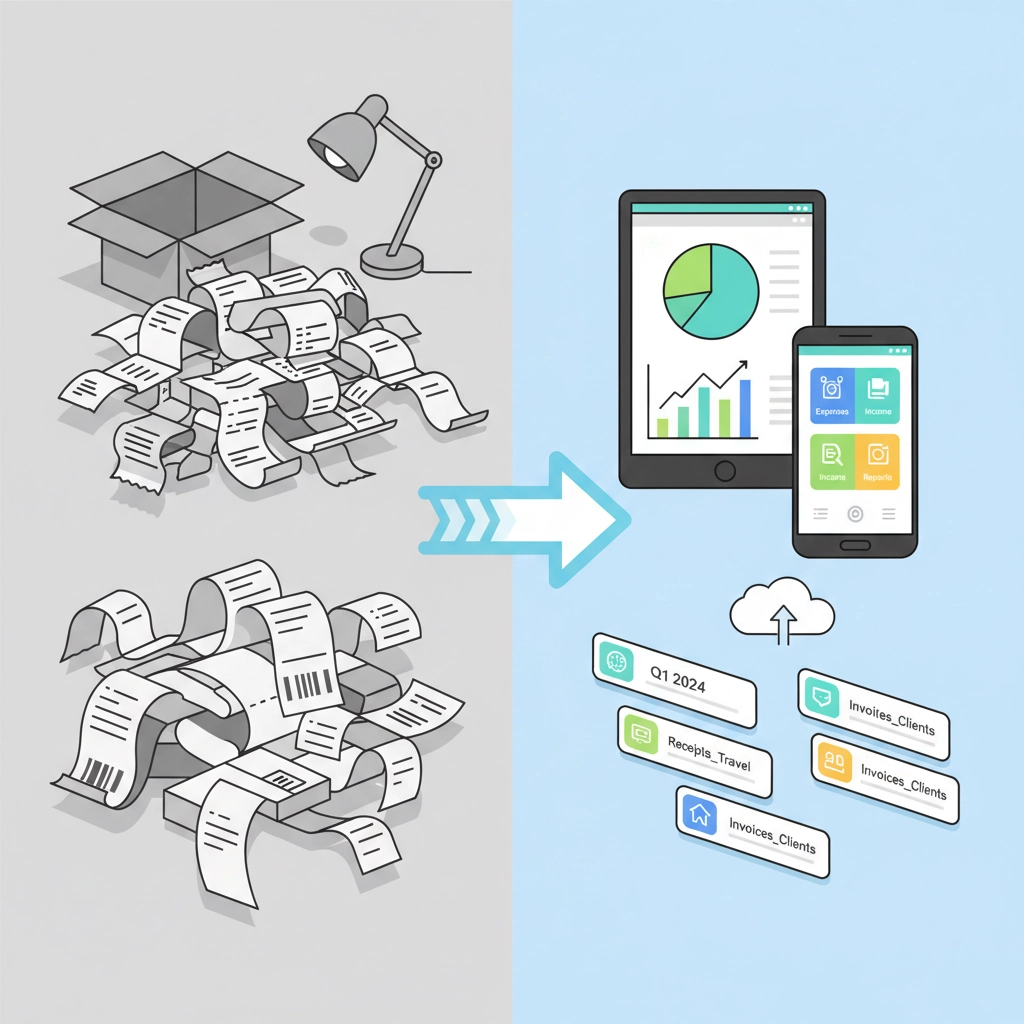
Instead of that annual panic where you're hunting through shoeboxes of receipts, you'll be keeping everything organised as you go. Your future self will thank you.
Start building these habits now:
Photograph receipts immediately (or use your software's mobile app)
Record income as soon as invoices are paid
Categorise expenses when they happen, not months later
Keep digital copies of important documents
If you're currently paper-based, start the transition gradually. You don't need to digitise every historical record, but begin capturing new transactions digitally from today.
The beauty of digital record-keeping is that everything's searchable, backed up in the cloud, and accessible from anywhere. No more "I think that receipt is somewhere in the office" moments.

Step 4: Master the Art of Quarterly Updates
Here's the biggest shift – instead of one big annual Self Assessment submission, you'll be sending quarterly updates to HMRC. This sounds scary, but it's actually quite liberating.
Think about it: instead of trying to remember what happened in April when you're filing in January, you're reporting on recent activity. The information is fresh in your mind, and any discrepancies are easier to spot and fix.
Your quarterly update schedule:
Quarter 1: 6 April to 5 July (due by 5 August)
Quarter 2: 6 July to 5 October (due by 5 November)
Quarter 3: 6 October to 5 January (due by 5 February)
Quarter 4: 6 January to 5 April (due by 5 May)
Each update includes your income and allowable expenses for that quarter. The software does most of the heavy lifting – you just need to make sure your records are accurate and up to date.
Pro tip: Set up calendar reminders for these deadlines now. Missing quarterly submissions can result in penalties, and you don't want that stress.
You'll still need to complete a final declaration after your last quarterly update, but this becomes much simpler when your quarterly submissions have been accurate throughout the year.
Step 5: Understand Penalties and How to Avoid Them
Nobody wants to talk about penalties, but understanding them helps you avoid them entirely. HMRC isn't trying to catch you out – they want compliance to be as smooth as possible.
Common penalty triggers:
Missing quarterly update deadlines
Inaccurate record-keeping
Failing to use approved software
Not registering when you should
The good news? All of these are completely avoidable with proper preparation and systems.
Your penalty-proofing strategy:
Set up reliable software and stick to it
Keep your records current (aim to update weekly, not quarterly)
Submit updates a few days before deadlines, not on the day
Double-check your figures before submitting
Keep evidence to support your numbers
Remember, penalties aren't inevitable. They're reserved for businesses that consistently fail to meet their obligations. If you follow the steps in this guide, you'll be well ahead of the curve.
Your MTD Timeline: What to Do When
Now (November 2025 onwards): Check your qualifying income and choose your software. If you're close to the £50,000 threshold, start treating MTD preparation as a priority, not something for "later."
December 2025 – February 2026: Set up your chosen software, connect your bank feeds, and start digital record-keeping. Use this period to get comfortable with the system while stakes are low.
March 2026: Register for MTD if required and do final testing of your setup. Make sure you can generate the reports you need and that your quarterly submission process works smoothly.
April 2026: Begin your first quarter under MTD if applicable. By this point, the transition should feel natural rather than stressful.
The Reality Check: This Is Actually Good for Your Business
Here's something that might surprise you – many businesses find MTD actually improves their financial management. When you're tracking income and expenses quarterly, you have a much better pulse on your business performance.
You'll spot trends earlier, identify problems before they become crises, and make better decisions based on current data rather than year-old information.
Yes, there's an adjustment period. Yes, you'll need to learn some new systems. But you're not doing this alone, and you don't need to become an expert overnight.
Getting Help When You Need It
If this still feels overwhelming, remember that asking for help is a sign of business wisdom, not weakness. Many successful business owners work with bookkeepers or accountants who handle MTD compliance, leaving them free to focus on what they do best.
Whether you tackle MTD yourself or get professional support, the key is starting your preparation now. You have time to get this right, and every step you take today makes April 2026 less stressful and more manageable.
The digital tax future is coming whether we're ready or not – but with the right preparation, you'll be more than ready. You'll be ahead of the game.
Comments